

Protect QuickBooks Desktop data with strong security.
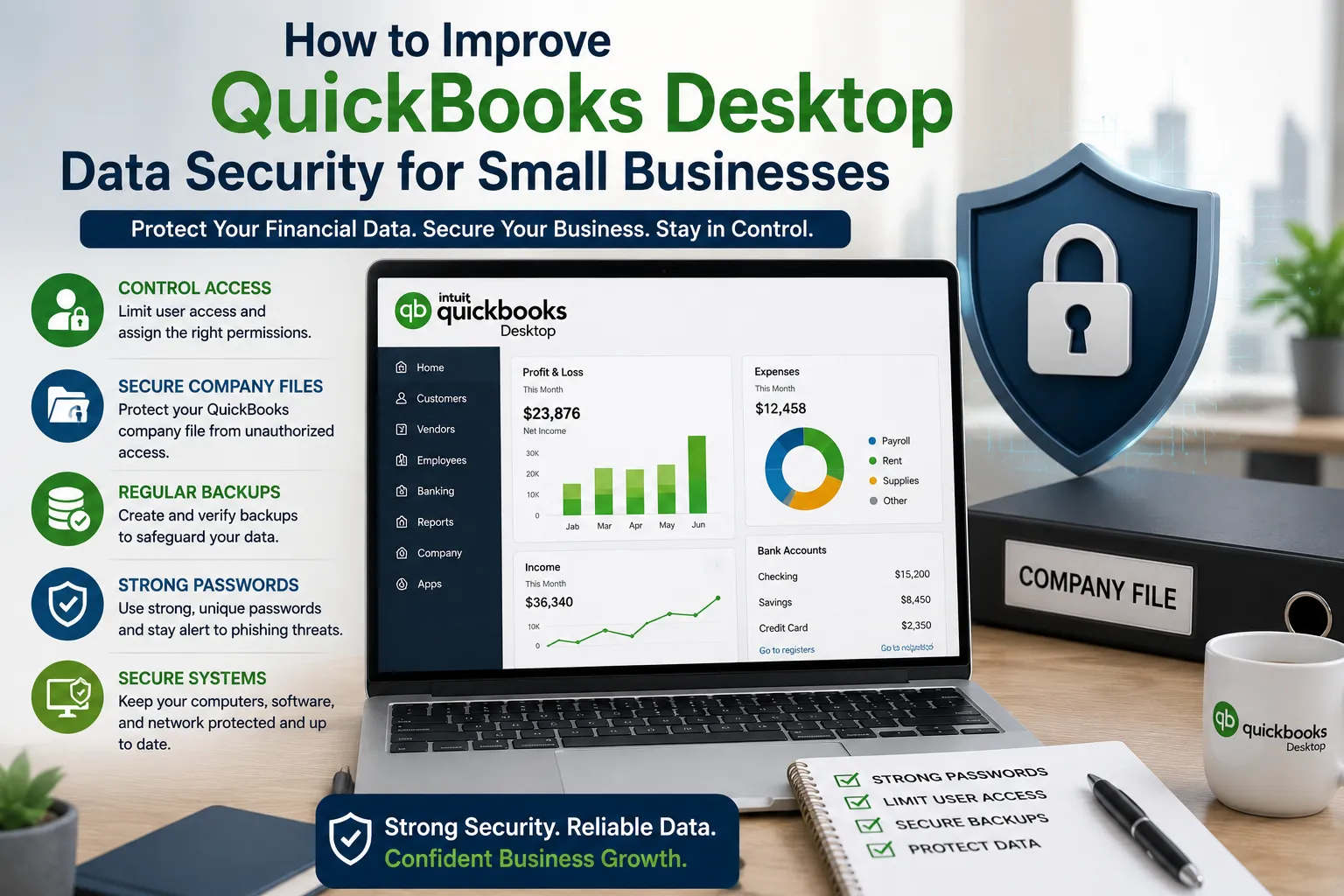
For small businesses, financial information is one of the most valuable types of business data. QuickBooks Desktop stores important records such as invoices, customer details, vendor information, payments, transactions, and financial reports. If this information is not properly protected, businesses may face unauthorized access, accidental data loss, file corruption, or operational disruptions.
Fortunately, improving QuickBooks Desktop data security does not always require expensive technology. Small businesses can protect their accounting information by using strong passwords, controlling user access, maintaining reliable backups, securing company files, and following consistent file-management practices.
1. Control Access to QuickBooks Desktop
The first step toward better data security is controlling who can access the company file. Employees should only receive the permissions required for their specific responsibilities.
For example, an employee who records invoices may not need access to payroll information, banking details, or administrative settings. Limiting permissions reduces the possibility of accidental changes and unauthorized access.
Businesses should also avoid sharing one QuickBooks login between multiple employees. Individual user accounts make it easier to determine who accessed or changed information.
User permissions should be reviewed regularly. When an employee changes responsibilities or leaves the organization, unnecessary access should be removed promptly.
2. Protect the Company File
The QuickBooks company file contains critical financial information, so it should always be stored in a secure and controlled location.
The QuickBooks QBW file format is commonly associated with the main QuickBooks Desktop company file. Because this file can contain years of financial records, businesses should avoid keeping it in unsecured folders or locations accessible to unauthorized users.
Employees should also avoid creating unnecessary copies of the company file. Multiple versions can cause confusion about which file is current and may leave sensitive financial information stored in places where it does not belong.
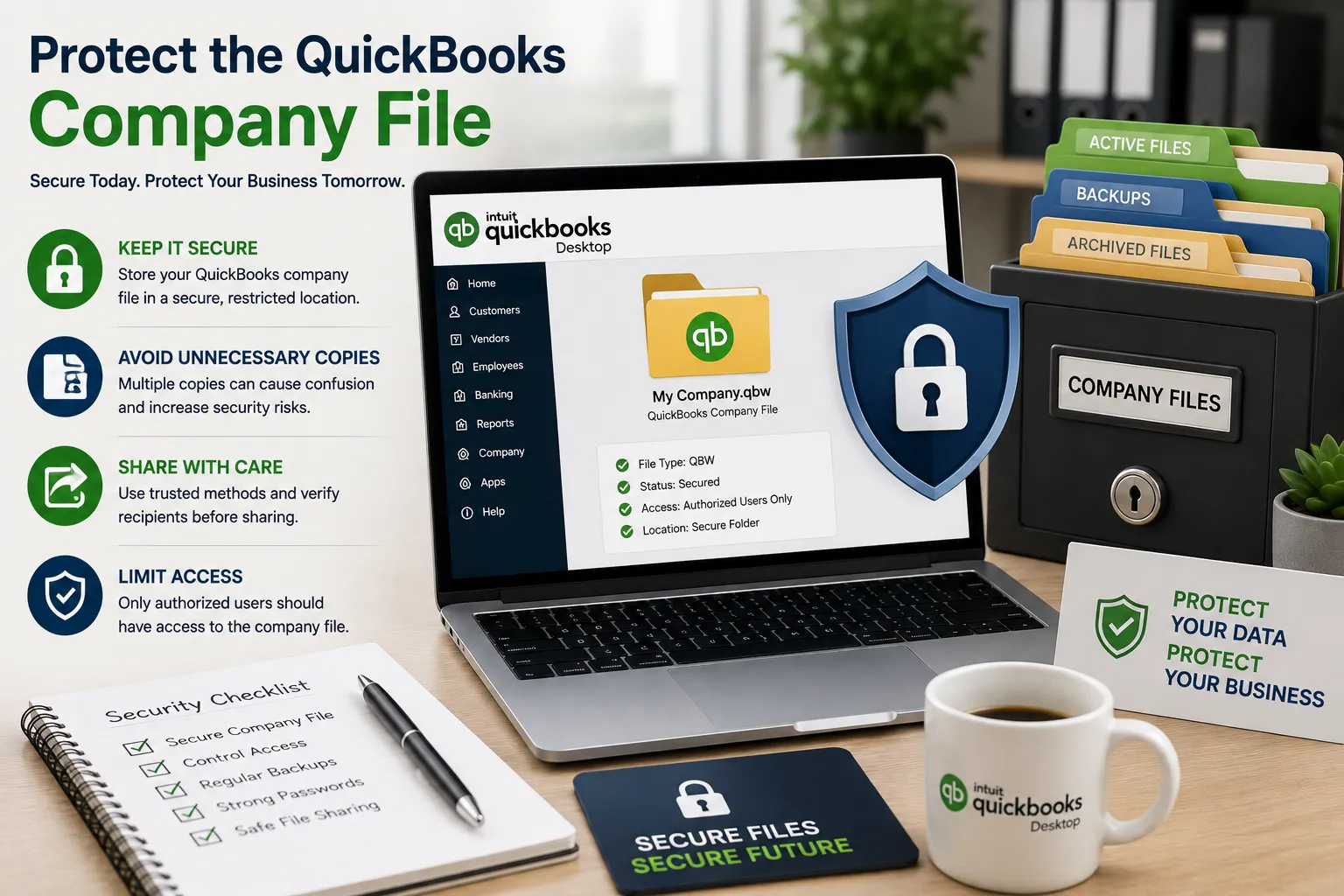
When a company file needs to be transferred, businesses should use a trusted method and verify the recipient before sharing it.
3. Maintain Organized File Management
Good file organization plays an important role in protecting accounting data. Businesses should establish dedicated folders for active company files, backups, archived files, and exported reports.
Following consistent QuickBooks Desktop file management practices makes it easier to locate the correct file and reduces the risk of accidentally modifying an outdated version.
File names should also follow a consistent format. For example, dated backup files can help employees quickly identify when a particular copy was created.
Access to folders containing financial information should be restricted to authorized employees. Businesses should also avoid storing accounting files in personal folders or on shared computers that are not properly secured.
4. Create Regular Backups
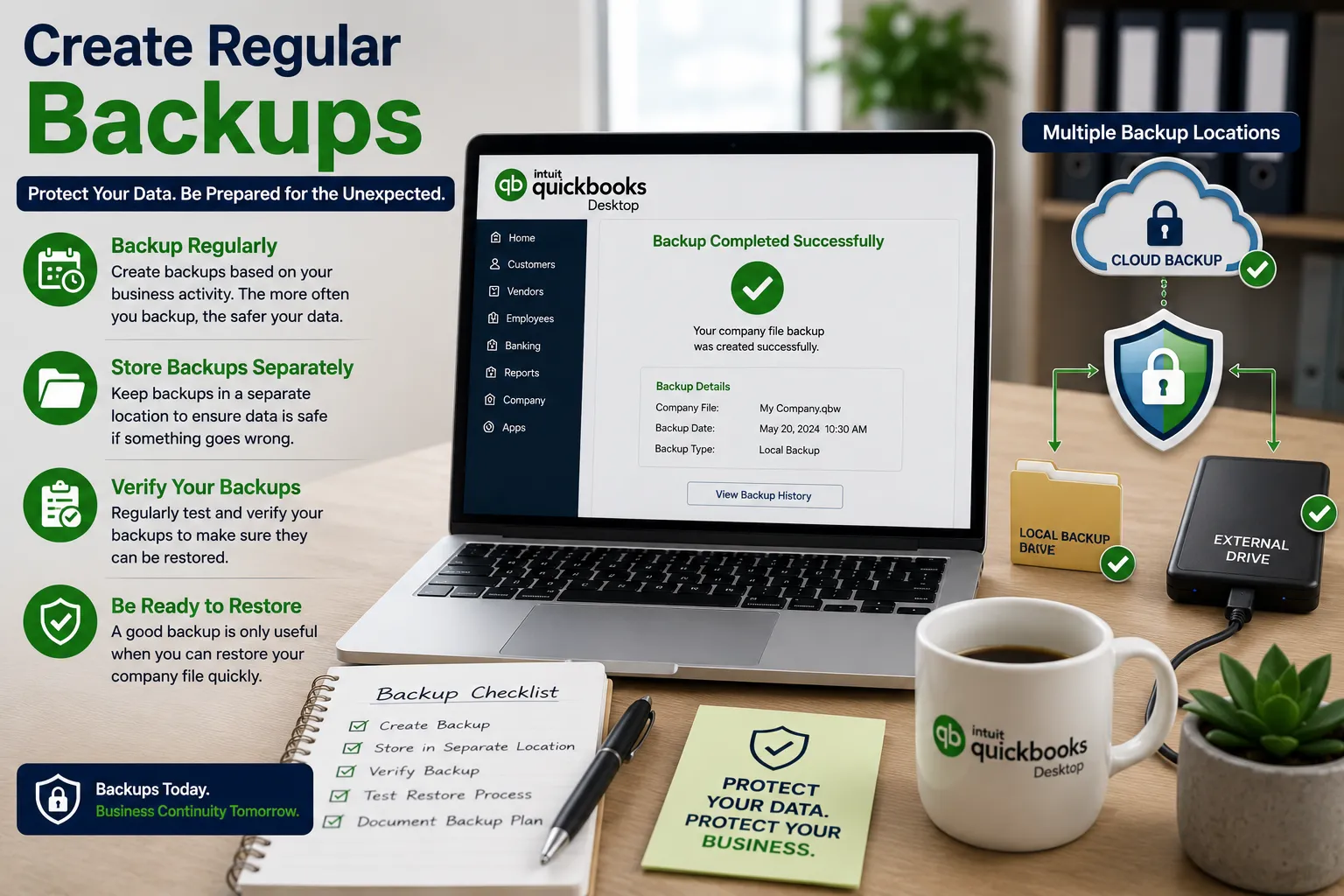
A reliable backup strategy is essential for protecting QuickBooks Desktop data. Even if unauthorized access is prevented, businesses can still experience hardware failure, accidental deletion, file corruption, or other unexpected problems.
Backups should be created regularly based on the volume of financial activity. Businesses with frequent transactions may need more frequent backups than companies with limited accounting activity.
Backups should also be stored separately from the primary company file. Keeping every copy on the same computer can make recovery difficult if that computer fails or becomes compromised.
Most importantly, businesses should periodically verify their backups. A backup is only useful if it can actually be accessed and restored when needed.
5. Secure Computers and Networks
QuickBooks Desktop security also depends on the computers and network used to access financial information.
Operating systems, QuickBooks Desktop installations, antivirus software, and other important applications should be kept appropriately updated. Security updates can help address vulnerabilities and improve overall system protection.
Businesses should use reputable security software and maintain appropriate firewall protection. Employees should also avoid downloading unknown attachments or installing unapproved programs on accounting computers.
For businesses using QuickBooks Desktop in a multi-user environment, network access should be limited to trusted devices. Shared folders containing financial data should not be publicly accessible.
6. Use Strong Password Practices
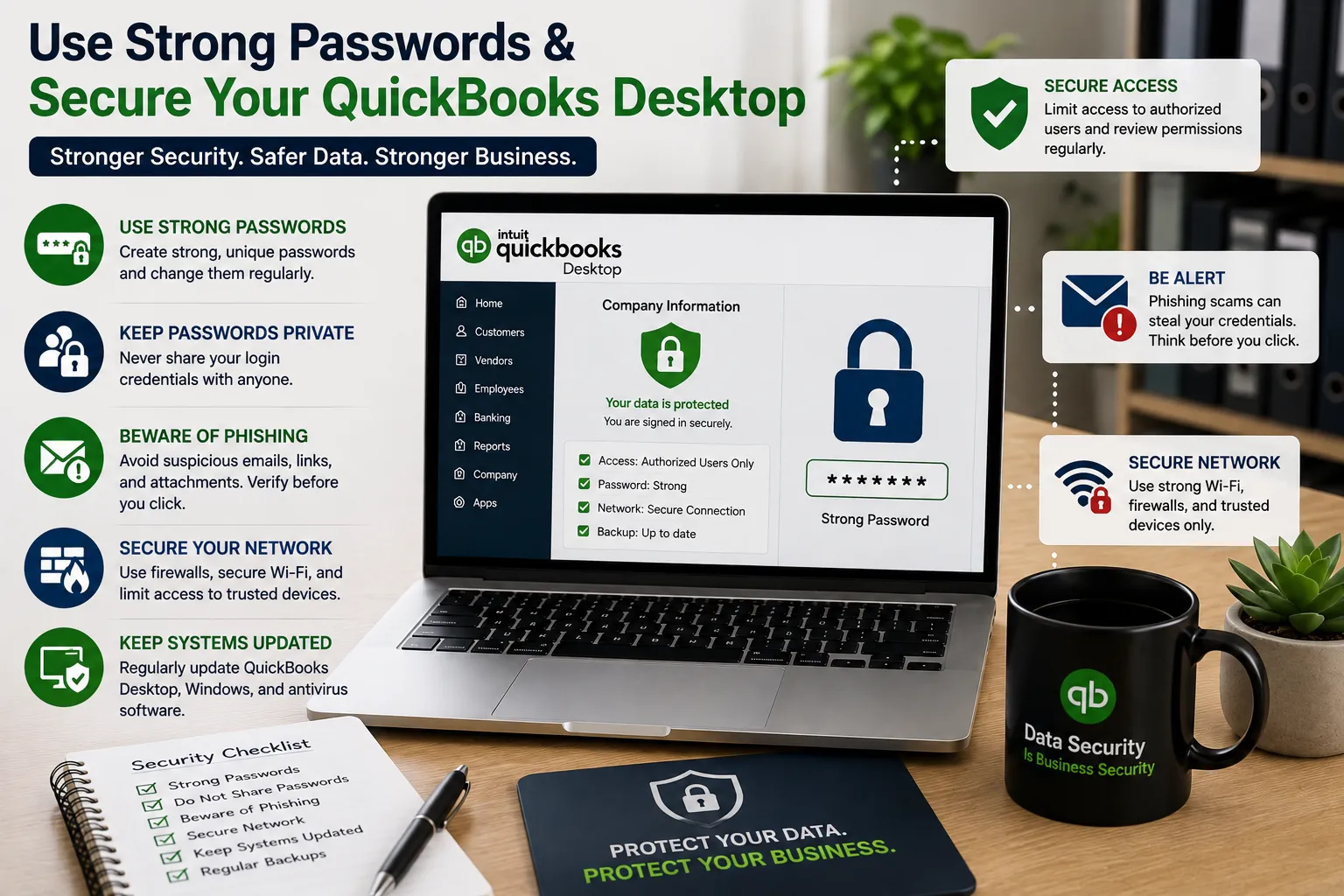
Weak or shared passwords can create unnecessary security risks. Employees should use strong, unique passwords and avoid sharing their login credentials with coworkers.
Passwords should not be written where other people can easily see them. Businesses can also consider using a reputable password manager to securely organize credentials.
Employees should receive basic training about phishing scams as well. Attackers may attempt to obtain passwords by pretending to be customers, vendors, managers, or technical-support representatives.
Teaching employees how to recognize suspicious emails, links, and attachments can prevent many avoidable security incidents.
7. Be Careful When Sharing Financial Files
There may be situations where a company needs to share accounting information with an accountant, consultant, or another authorized professional. However, businesses should always consider whether the recipient actually needs the complete company file.
If a report or specific document is sufficient, sharing only the required information can reduce exposure.
When transferring a complete company file, businesses should use secure and trusted methods. After the transfer, temporary copies should also be removed from unnecessary locations.
Employees should never upload sensitive QuickBooks files to personal cloud-storage accounts or transfer them to unauthorized devices.
8. Review Security Practices Regularly
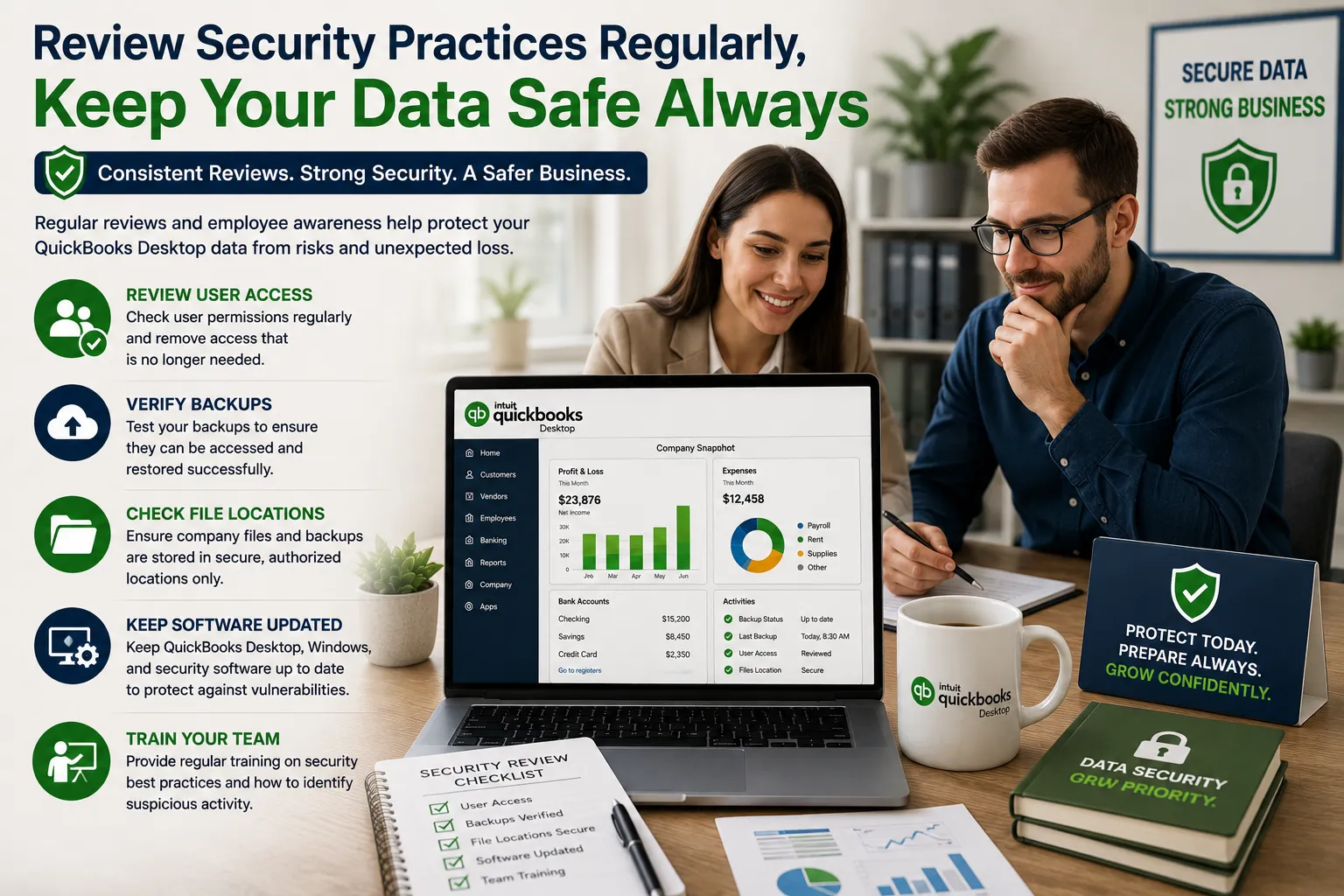
Data security should not be treated as a one-time task. Businesses should regularly review their QuickBooks environment to identify potential weaknesses.
A simple review can include checking user permissions, verifying backups, reviewing file locations, updating software, and removing unnecessary copies of financial data.
Businesses should also maintain a basic written security policy explaining who can access QuickBooks, how backups are handled, where files should be stored, and what employees should do if they notice suspicious activity.
Regular employee training can reinforce these practices and reduce mistakes.
Conclusion
Small businesses can significantly improve QuickBooks Desktop data security by combining access controls, secure file storage, reliable backups, strong passwords, network protection, and employee awareness.
Protecting financial data is not simply about preventing unauthorized access. It also involves preparing for accidental deletion, hardware failures, corrupted files, and other unexpected events. By following consistent security and file-management practices and reviewing them regularly, businesses can keep their QuickBooks Desktop information safer, more organized, and easier to recover when problems occur.