

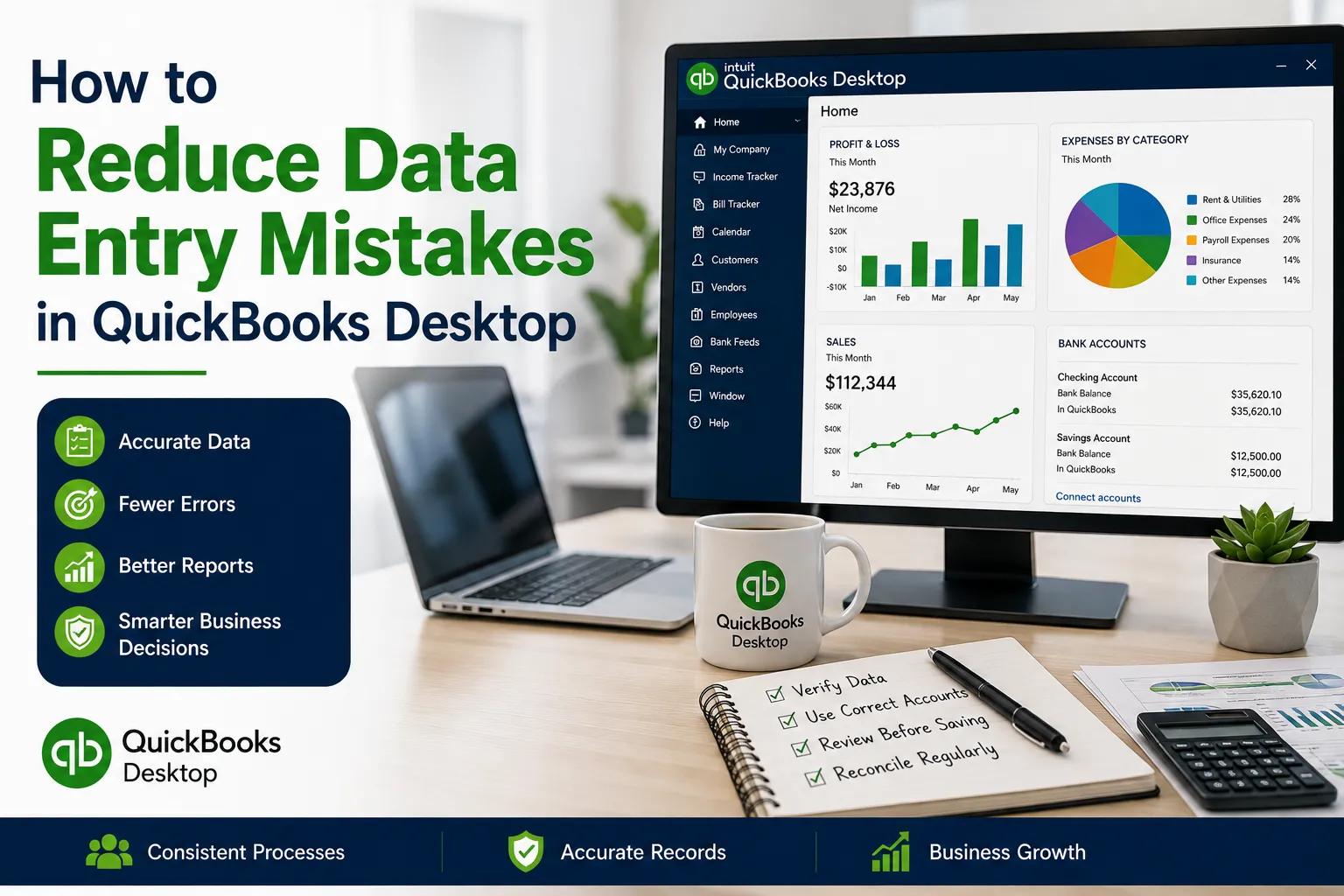
Reduce data entry mistakes in QuickBooks Desktop
Accurate accounting data is essential for businesses that use QuickBooks Desktop to manage invoices, expenses, payments, customers, vendors, and financial reports. Since many accounting tasks involve manual data entry, even small mistakes can affect account balances and business reports.
Data entry errors commonly occur because of duplicate records, incorrect account selection, wrong transaction amounts, inconsistent naming, or unclear employee procedures. The good news is that businesses can reduce these mistakes by creating standardized workflows, training employees, reviewing transactions, and maintaining organized accounting records.
Create Standard Data Entry Procedures
One of the best ways to prevent accounting mistakes is to create consistent procedures for common tasks. Employees should follow the same basic steps when entering invoices, payments, expenses, bills, and customer information.
For example, before saving an invoice, employees should verify the customer name, invoice date, products or services, quantity, price, payment terms, and final amount.
Written procedures reduce dependence on memory and personal working styles. They also make it easier for new employees to understand how accounting tasks should be completed.
Use Consistent Customer and Vendor Names
Duplicate customer and vendor records are a common source of accounting confusion. Different employees may enter the same company using slightly different names, creating multiple records for one organization.
Before creating a new customer or vendor, employees should search the existing list. Businesses should also establish naming conventions that explain how company names, abbreviations, and individual contacts should be entered.
Consistent naming makes records easier to search and helps prevent duplicate information.
Verify Transactions Before Saving
Employees should develop the habit of reviewing important information before saving a transaction.
The review should include:
Customer or vendor name
Transaction date
Amount
Account category
Payment method
Reference number
Description
For high-value or unusual transactions, businesses can require a second employee or manager to review the entry.
A short verification step can prevent mistakes from becoming part of the permanent accounting record.
Choose the Correct Account Category
Incorrect account categorization can make financial reports inaccurate even when the transaction amount is correct. Employees should understand which accounts should be used for common business expenses and income.
Businesses can create a simple reference guide showing common transactions and their appropriate categories. When employees are unsure, they should ask the responsible accounting person instead of guessing.
A well-organized chart of accounts also makes correct categorization easier.
Train Employees Regularly
Employee training is an important part of data accuracy. New employees should receive practical training before handling important accounting transactions.
Training should cover:
Data entry procedures
Customer and vendor management
Account selection
Transaction review
Error reporting
Backup procedures
Multi-user practices
Existing employees should also receive refresher training when procedures change. Short training sessions using real examples can help employees recognize common mistakes and understand how to avoid them.
Use Checklists for Repetitive Tasks
Checklists are useful for repetitive accounting activities because they help employees remember important steps.
For example, an invoice checklist can include:
Find the correct customer.
Confirm customer details.
Enter the correct date.
Add products or services.
Verify quantities and prices.
Review the total.
Save or send the invoice.
Similar checklists can be created for payments, expenses, bank reconciliation, and monthly reporting.
Reconcile Accounts Regularly
Regular reconciliation can identify missing, duplicate, or incorrectly entered transactions. Businesses should reconcile bank and credit-card accounts according to a consistent schedule.
During reconciliation, employees should check for:
Missing transactions
Duplicate entries
Incorrect amounts
Incorrect dates
Bank fees
Unrecognized transactions
Finding discrepancies early makes them easier to investigate and correct.
Coordinate Multi-User Accounting Work
When several employees work with QuickBooks Desktop, communication becomes especially important. Users should know who is responsible for specific tasks and communicate when important transactions are being processed or corrected.
For example, two employees should not unknowingly process the same payment or create duplicate customer records.
A shared task list or internal communication channel can help employees understand which accounting activities are pending, completed, or awaiting review.
Protect the Company File
Businesses should maintain reliable backups to protect accounting information from technical problems and unexpected data loss.
Employees should know when backups are performed, who monitors them, and how problems should be reported.
If a technical issue occurs and QuickBooks company file won't open, employees should follow the company's established troubleshooting and escalation procedure rather than moving or modifying the company file without authorization.
A documented recovery process can help protect important accounting information.
Review Reports for Data Errors
Financial reports can sometimes reveal mistakes that are not immediately visible in individual transactions. Businesses should review reports for unusual changes in revenue, expenses, customer balances, or account activity.
For example, an unexpected increase in expenses may indicate a categorization problem or duplicate transaction.
Regular report reviews support improving QuickBooks Desktop reporting accuracy and help businesses identify data-quality problems before they affect important financial decisions.
Perform Monthly Data Reviews
A monthly data-quality review can help businesses identify recurring problems. The review may include:
Duplicate customer or vendor records
Unusual transactions
Unreconciled accounts
Open invoices
Incorrect account classifications
Missing documentation
Backup status
Management should document significant issues and determine whether additional training or procedure changes are needed.
Keep Procedures Updated
Accounting procedures should evolve as a business grows. New employees, higher transaction volumes, additional products, or changes in responsibilities may require updates to existing workflows.
Businesses should periodically review their procedures and ask whether employees are following them correctly and whether unnecessary steps are creating delays.
Employee feedback can also reveal confusing processes or recurring data-entry problems.
Conclusion
Reducing data entry mistakes in QuickBooks Desktop requires consistent procedures, employee training, careful transaction review, regular reconciliation, and effective communication. Businesses should establish clear standards for customer records, vendor information, account categories, and transaction entry.
Simple tools such as checklists, reference guides, monthly reviews, and standardized workflows can prevent many common mistakes. Reliable backups and clear troubleshooting procedures provide additional protection for accounting data.
As a business grows, its accounting procedures should be reviewed and updated regularly. When employees understand their responsibilities and follow the same processes, accounting information becomes more consistent, reports become more dependable, and management can make better-informed business decisions.